Triptime AI
A richer trip PDF

A richer trip PDF

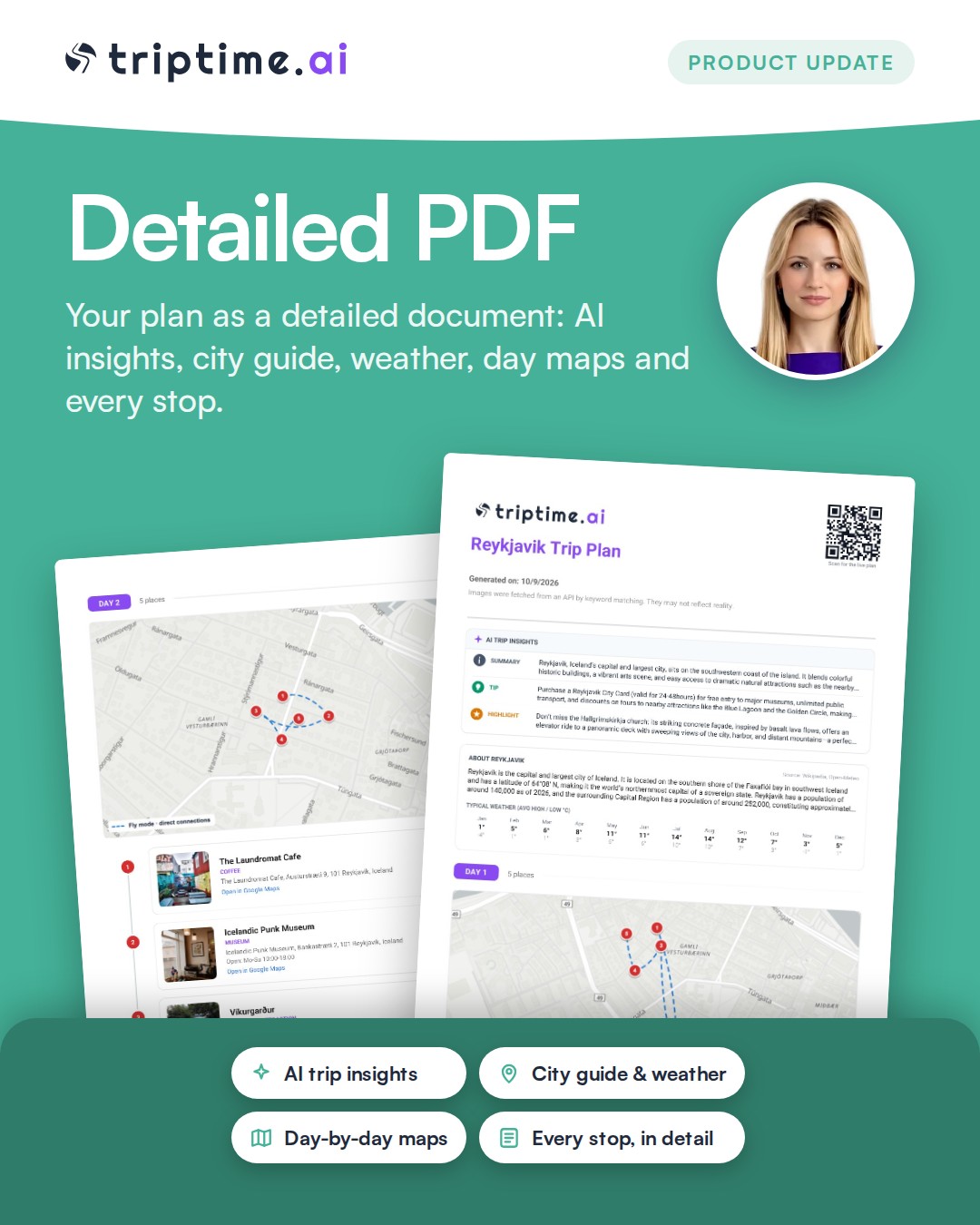
Your trip PDF now has much more inside: an at-a-glance first page with the AI summary, city info and the weather for your month, each day's map with the real route and travel mode, distance and time between stops, Google Maps links for every place, your packing list, and a QR code that opens the trip on your phone. You can download it right from the Share screen.
Focus on the route

Focus on the route

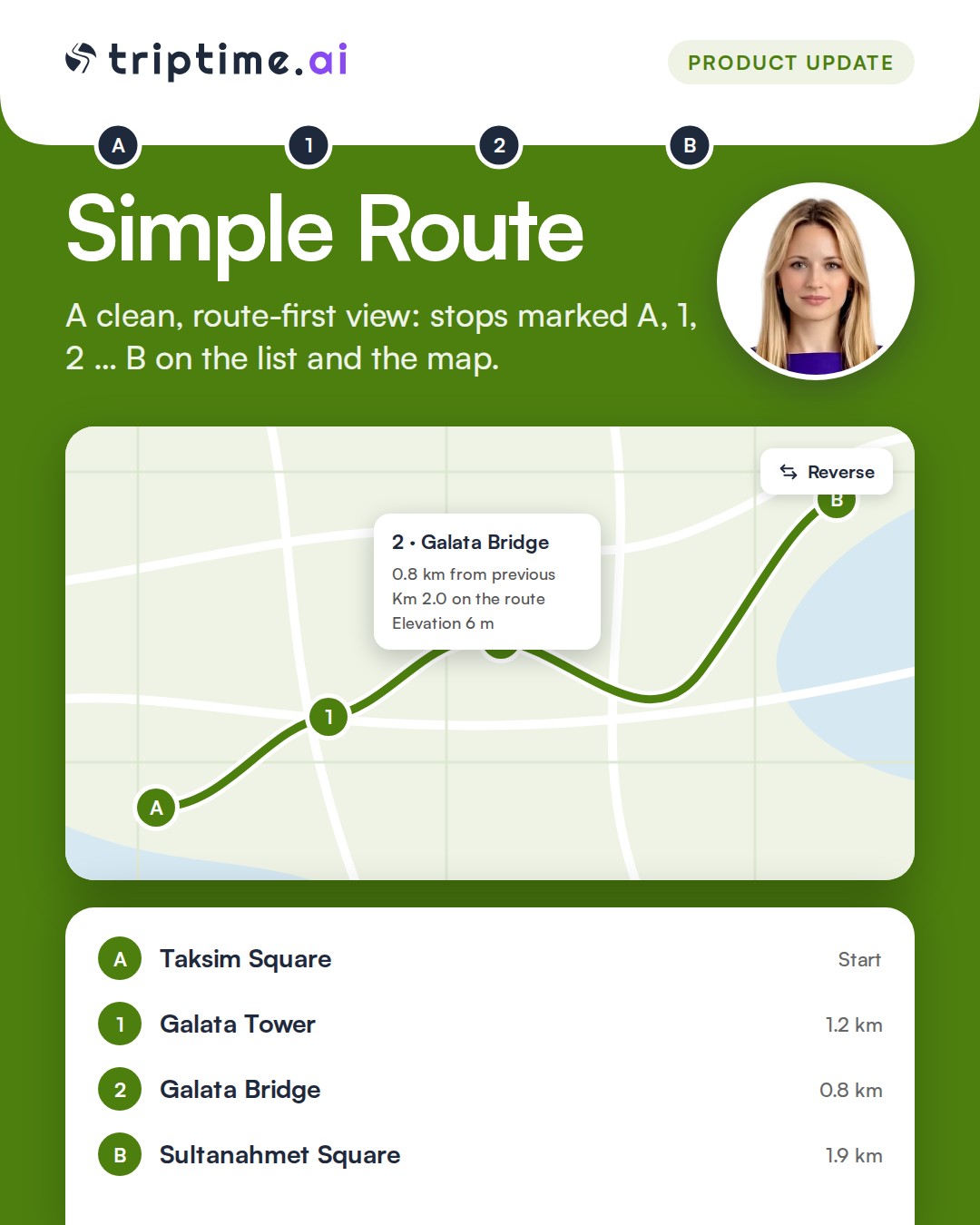
Switch any trip to Simple route for a clean, route-first view: stops are marked A, 1, 2 … B on the list and the map, with no photos or extra details. Reverse the route in one tap, drag the line on the big map to add a stop in between, and tap a stop to see the distance from the previous one, its kilometer on the route and its elevation.

Lists without limits

Lists without limits

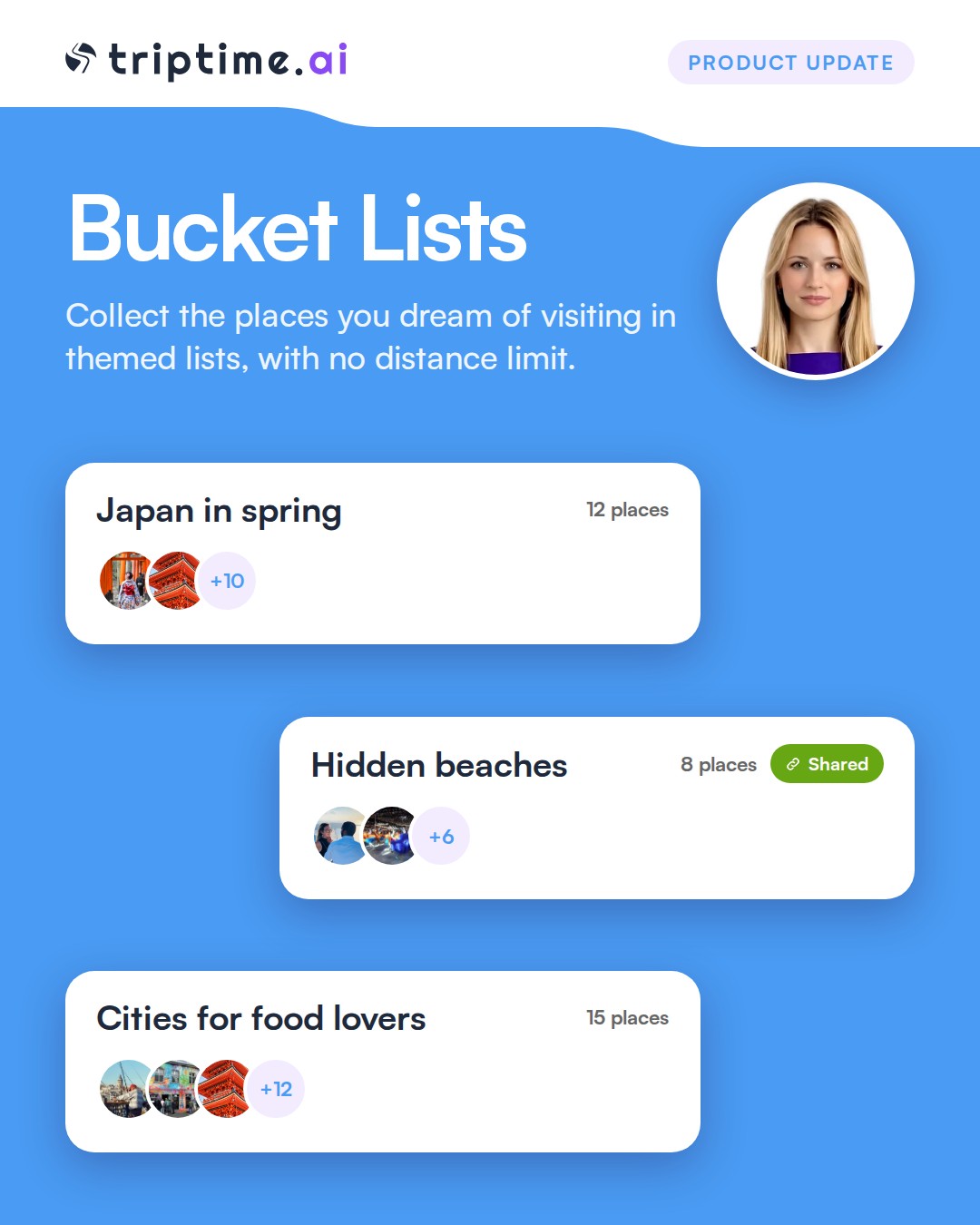
Collect the places you dream of visiting in themed lists, with no distance limit, and see them all on the map. Get place suggestions as you explore a city, add places from your saved places and trips in one tap, and share any list with a link.

My Backpack

My Backpack

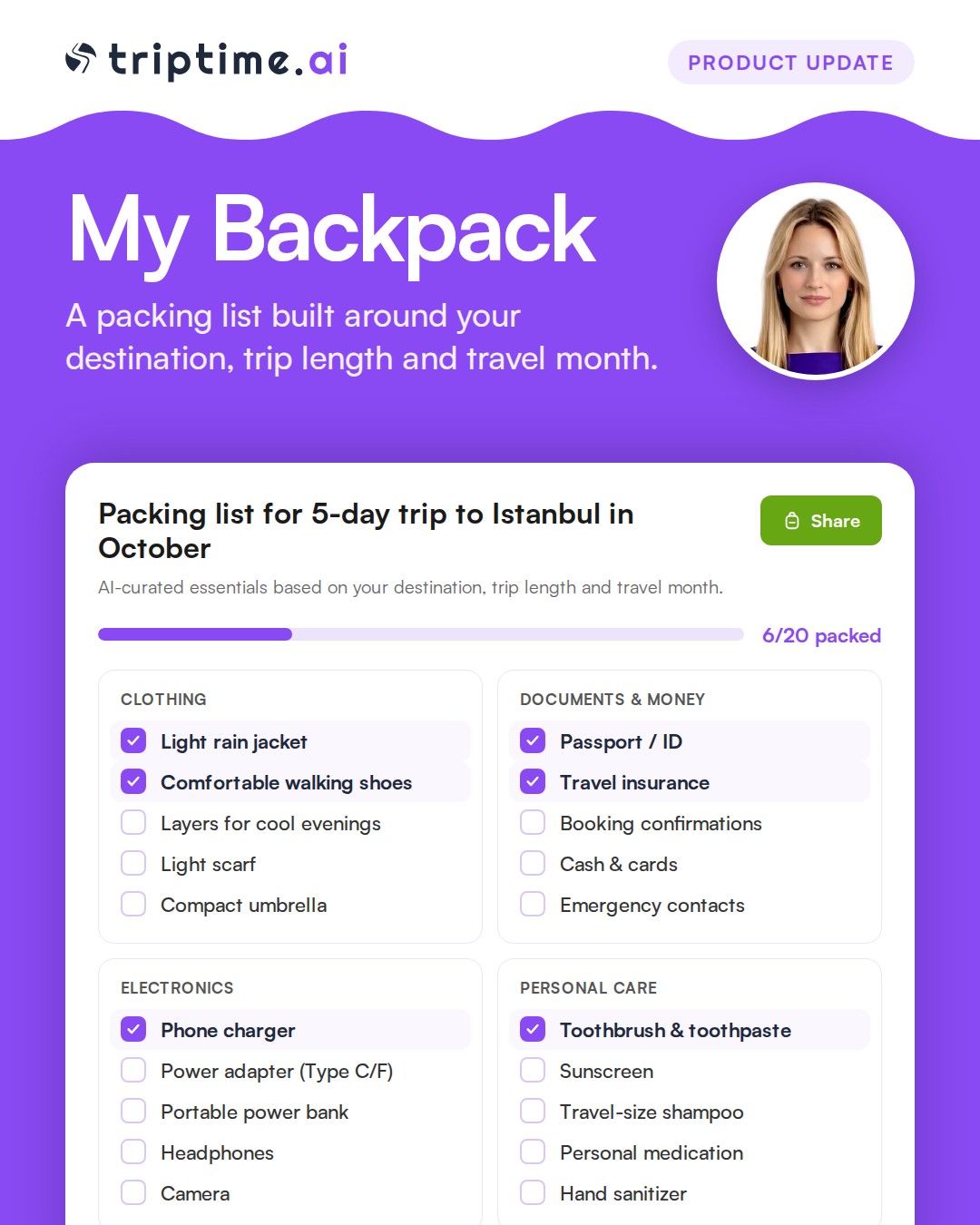
A brand new way to pack: generate a smart packing list for any trip, organized by category with checkable items. Add your own categories and items, and everything is saved automatically so you can pick up right where you left off. Share your backpack with a link, just like a trip plan.

Trip Gallery

Trip Gallery

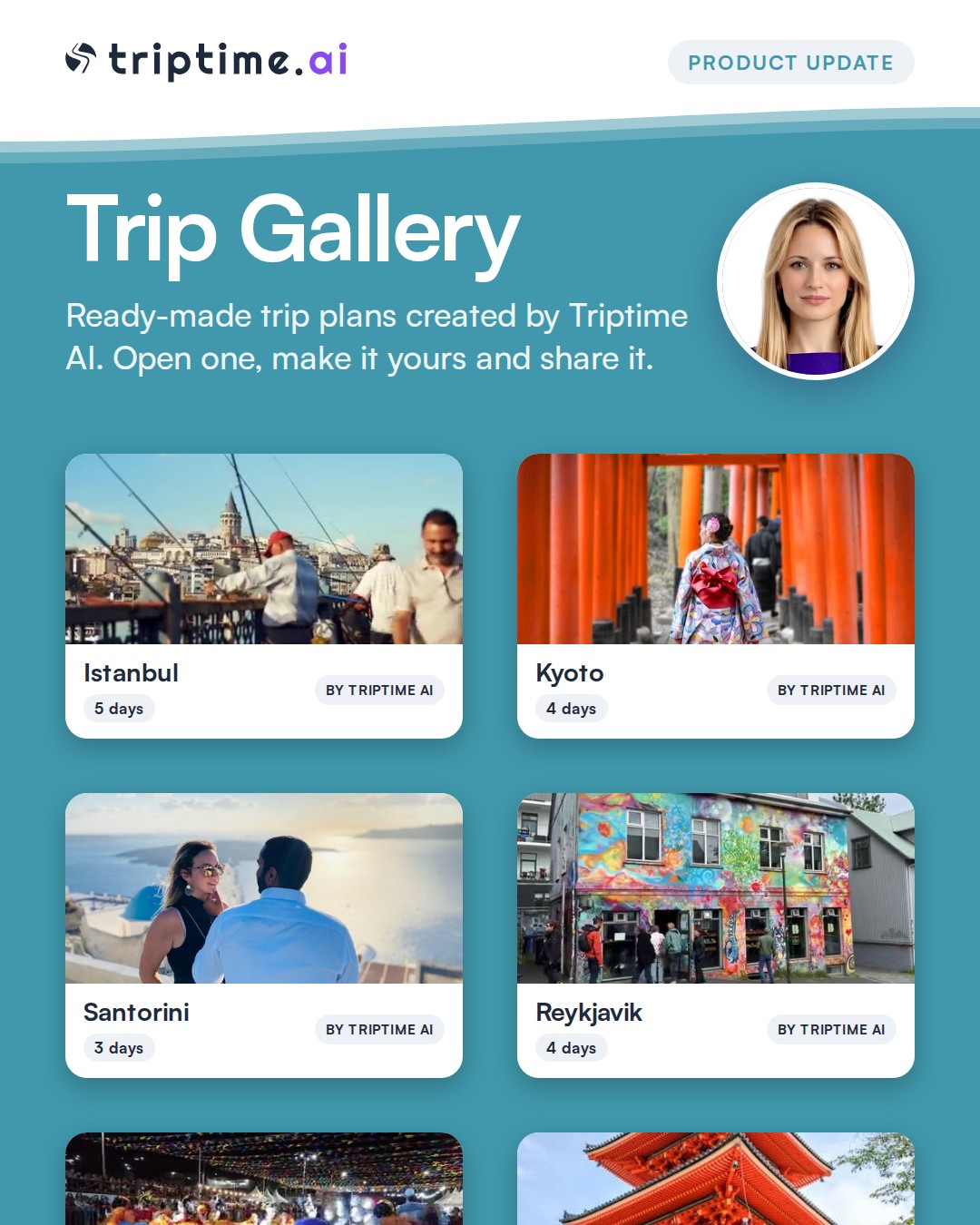
A new public gallery of real trip plans to browse and share. Each one comes with a short city guide pulled from Wikipedia and a 12-month weather forecast, so you know what to pack and when to go before you even open the plan.

Nearest place search

Nearest place search

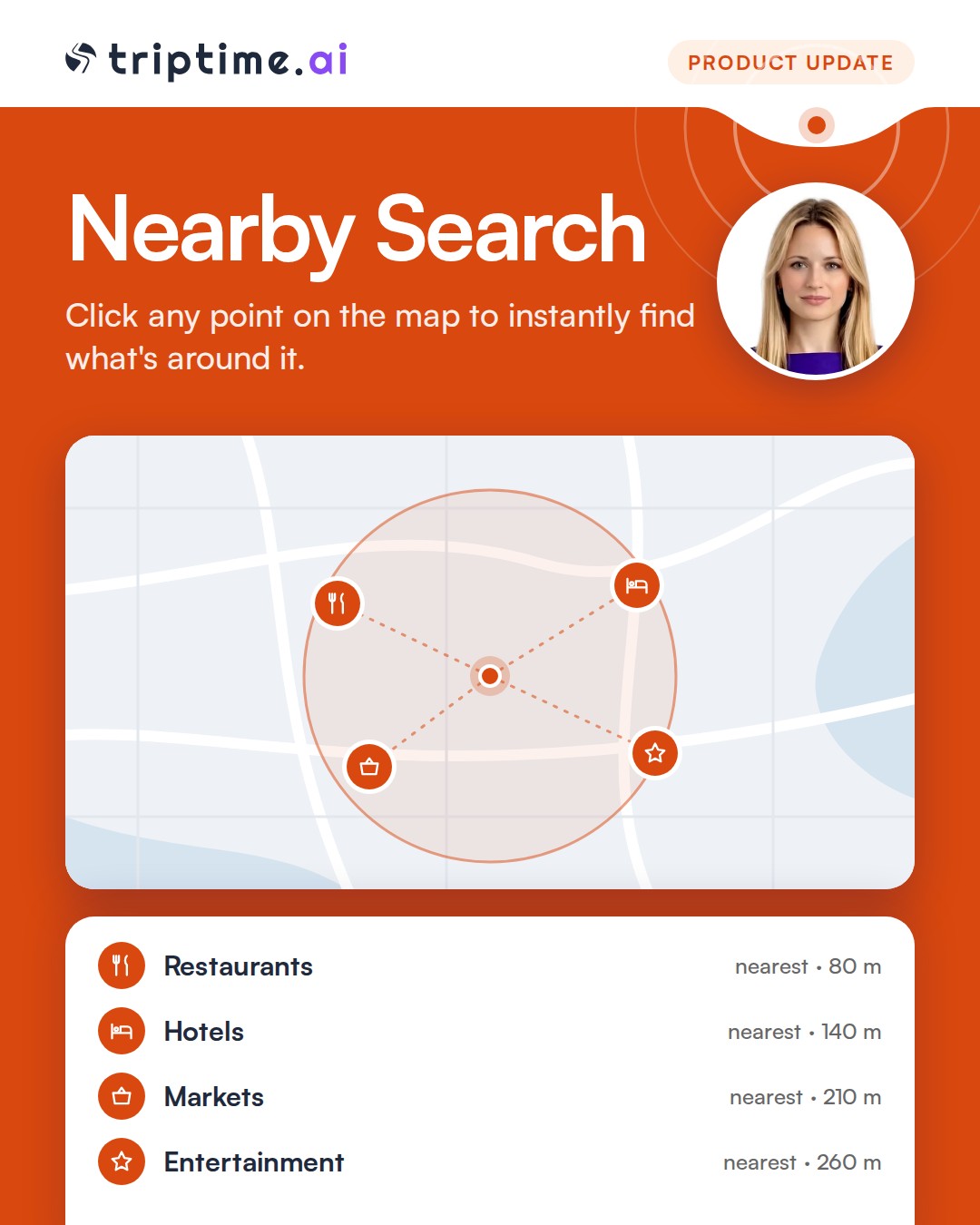
Click any point on the map to instantly find the nearest restaurants, hotels, markets and entertainment spots around it.

Smarter AI engine

Smarter AI engine

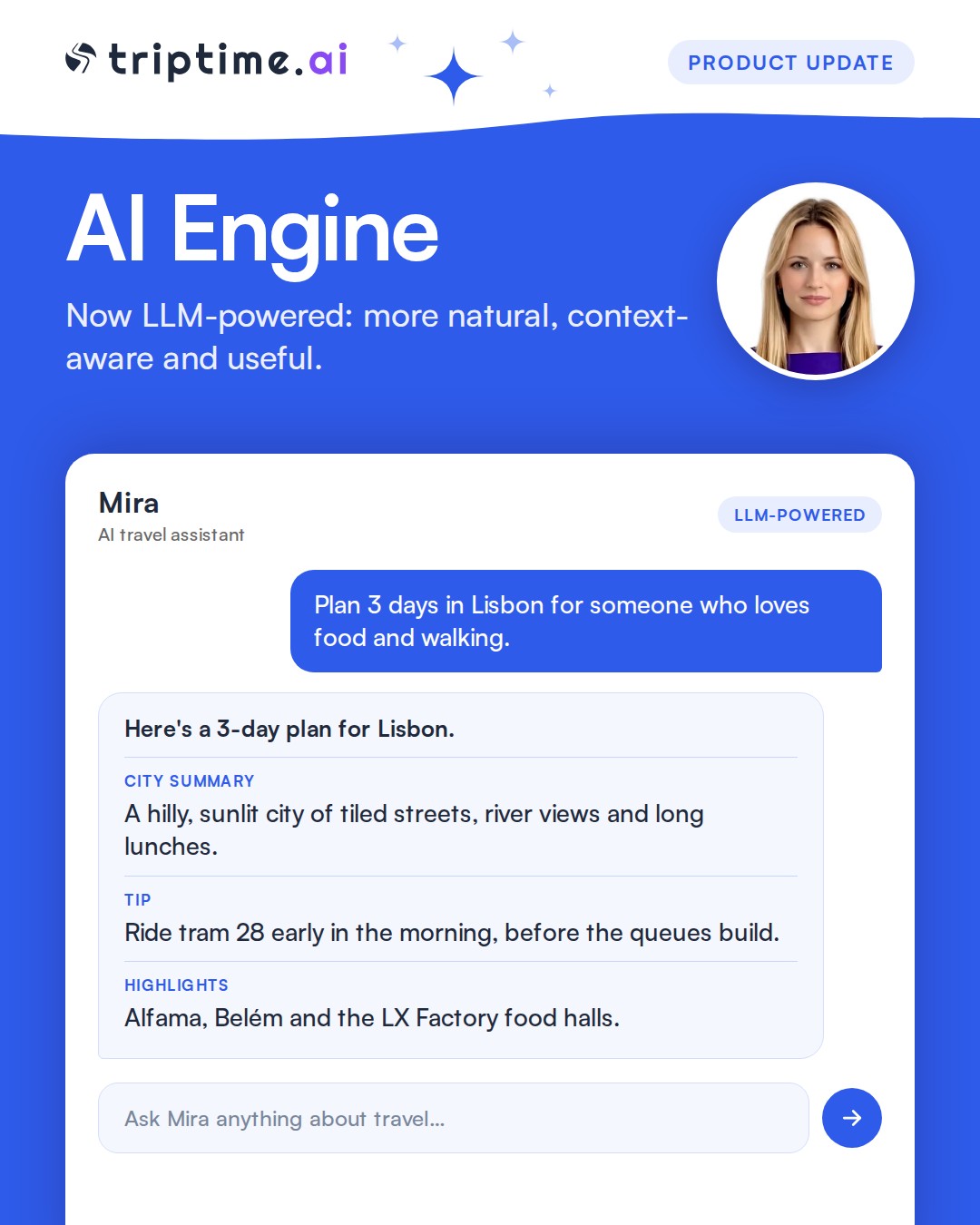
We've upgraded the AI engine behind Triptime from a classic NLP-based system to an LLM-powered one. City summaries, tips and highlights are now more natural, context-aware and useful. Planning a trip through chat is also smoother and faster.

Chat results saved and shareable

Chat results saved and shareable

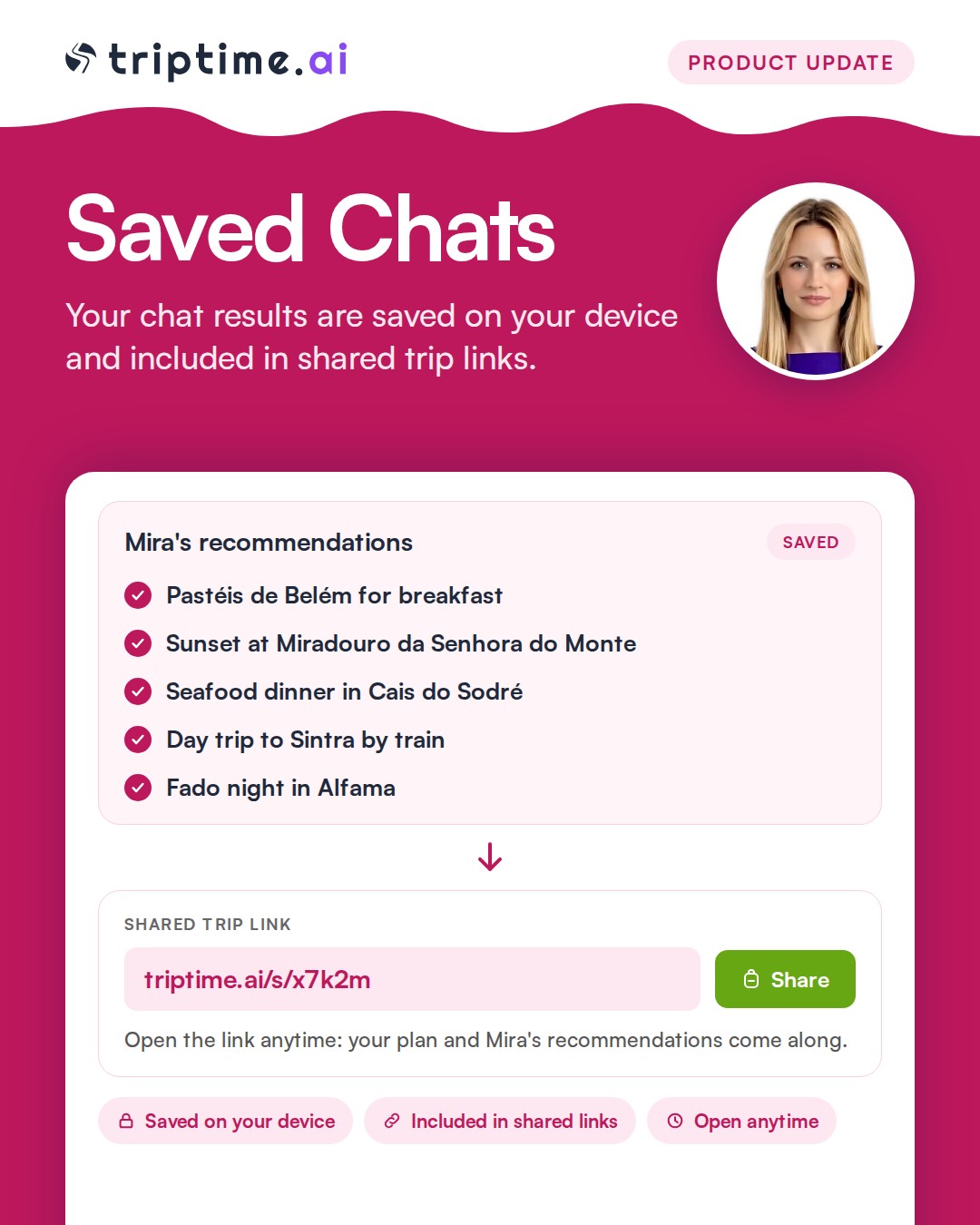
Your chat results are now included in local storage and shared trip links, so your AI-generated recommendations are saved and carried along whenever you share or revisit a plan.

My Trips and My Places

My Trips and My Places

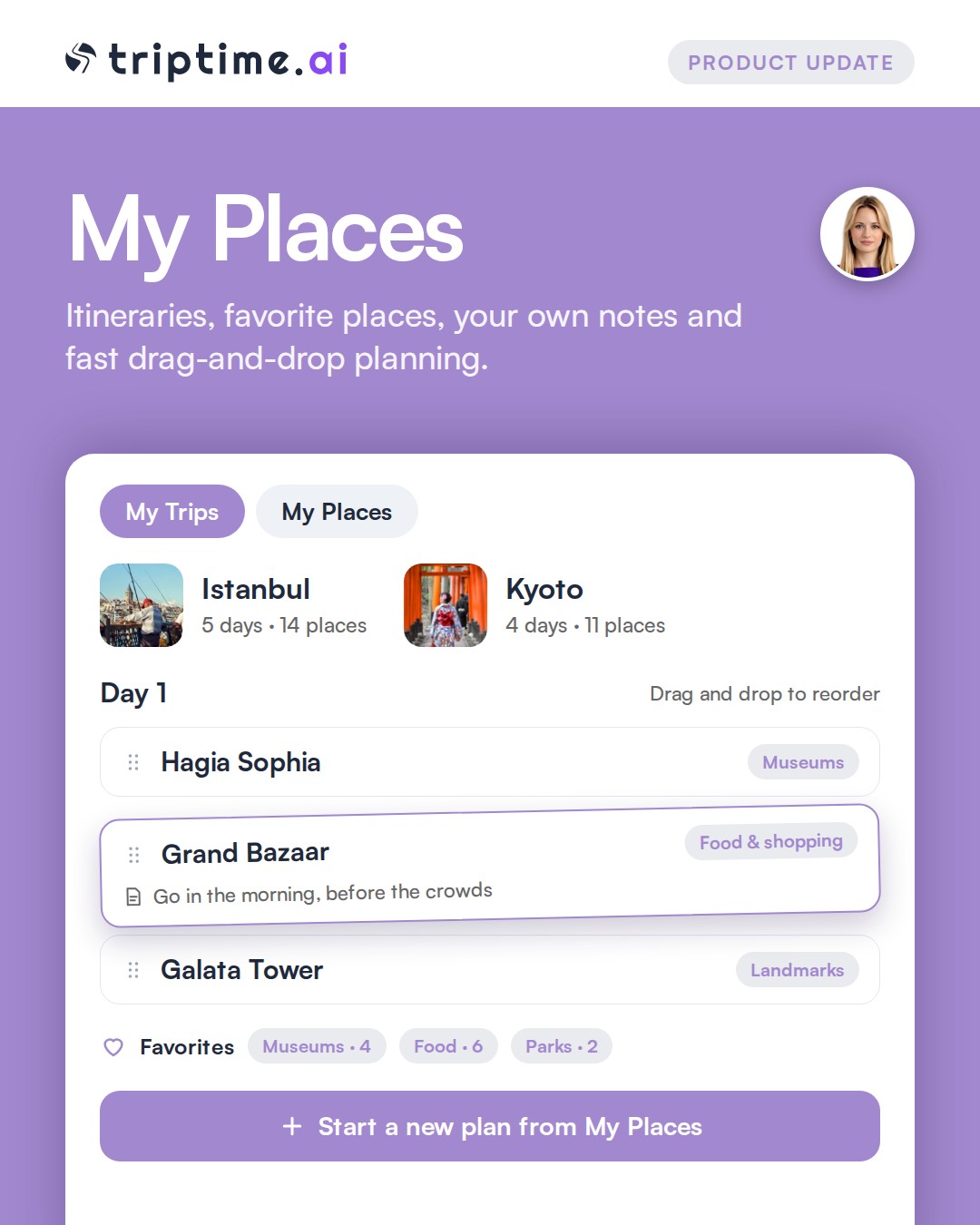
Create travel itineraries, add locations to your daily plans and favorites, list places by category and add your own notes. Add places from My Places to your current plan or start a new plan from one. The plan has a fast drag-and-drop structure.

AI travel guides

AI travel guides

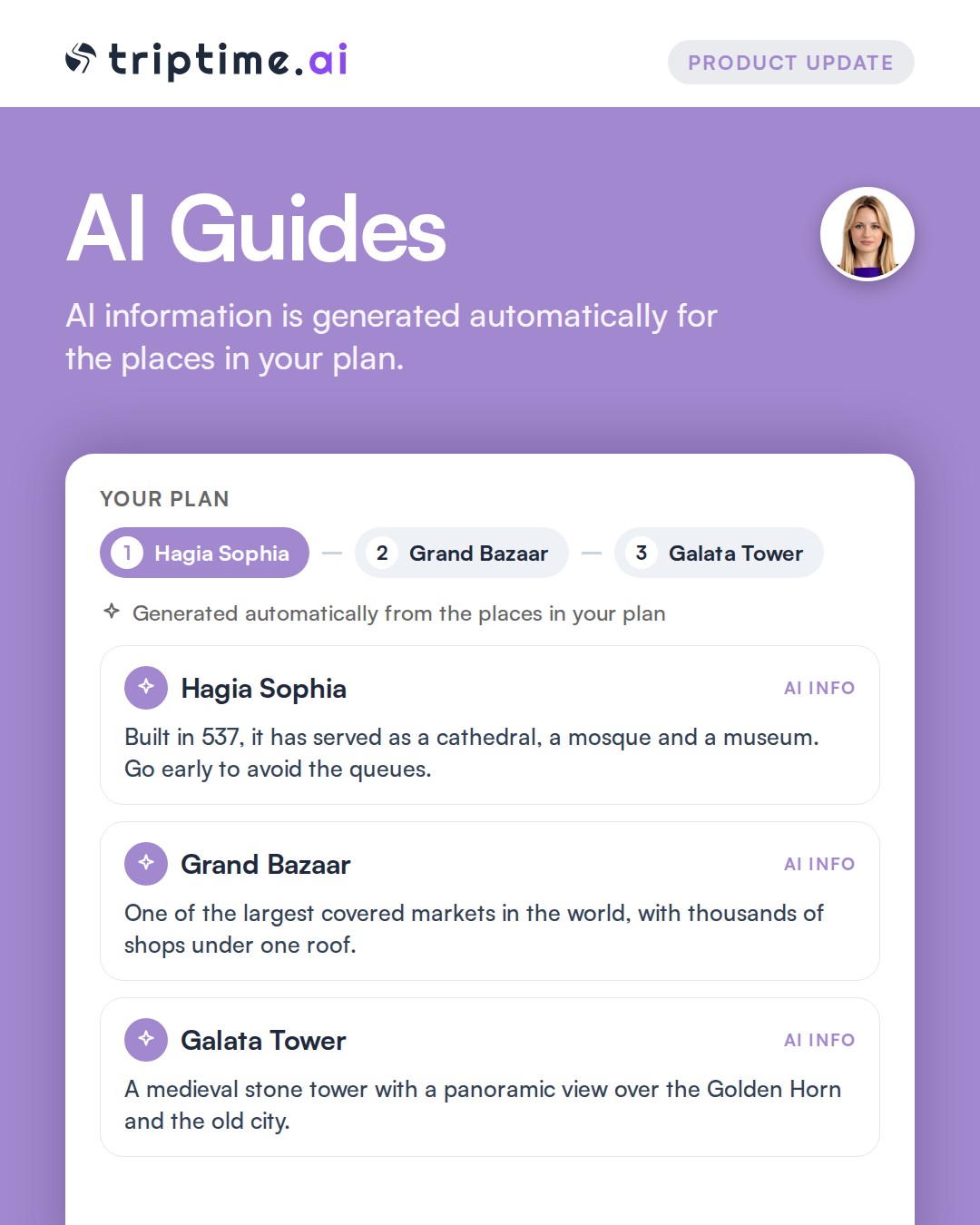
AI information is generated automatically by analyzing the places in your plan. Choosing the first point is enough.

Map tools

Map tools

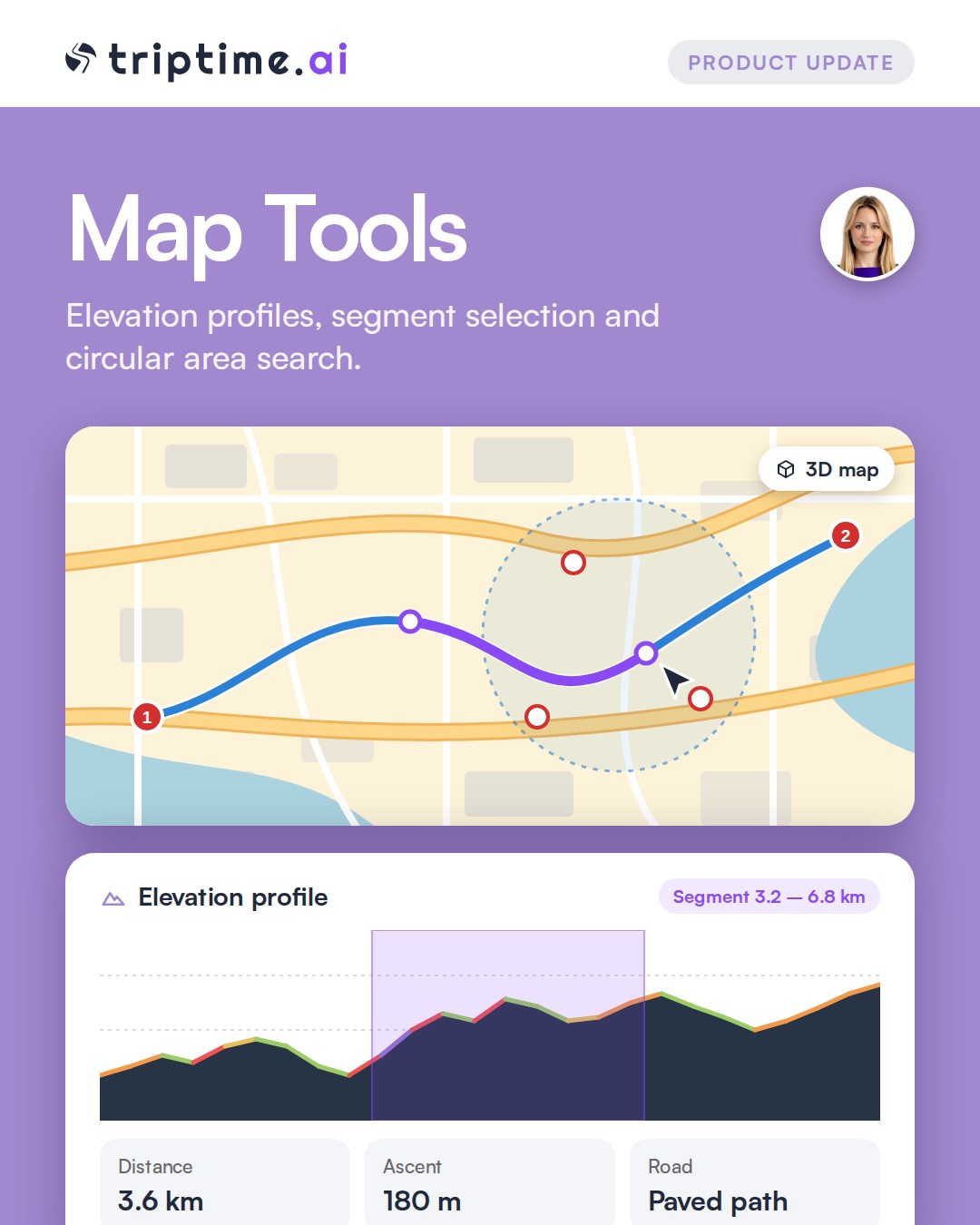
Work on your route right on the map: detailed elevation profiles, segment selection and road information. Drag a marker to move it instantly, search a circular area on the map and add what you find to your plan. 3D map support is available.

Point-specific AI

Point-specific AI

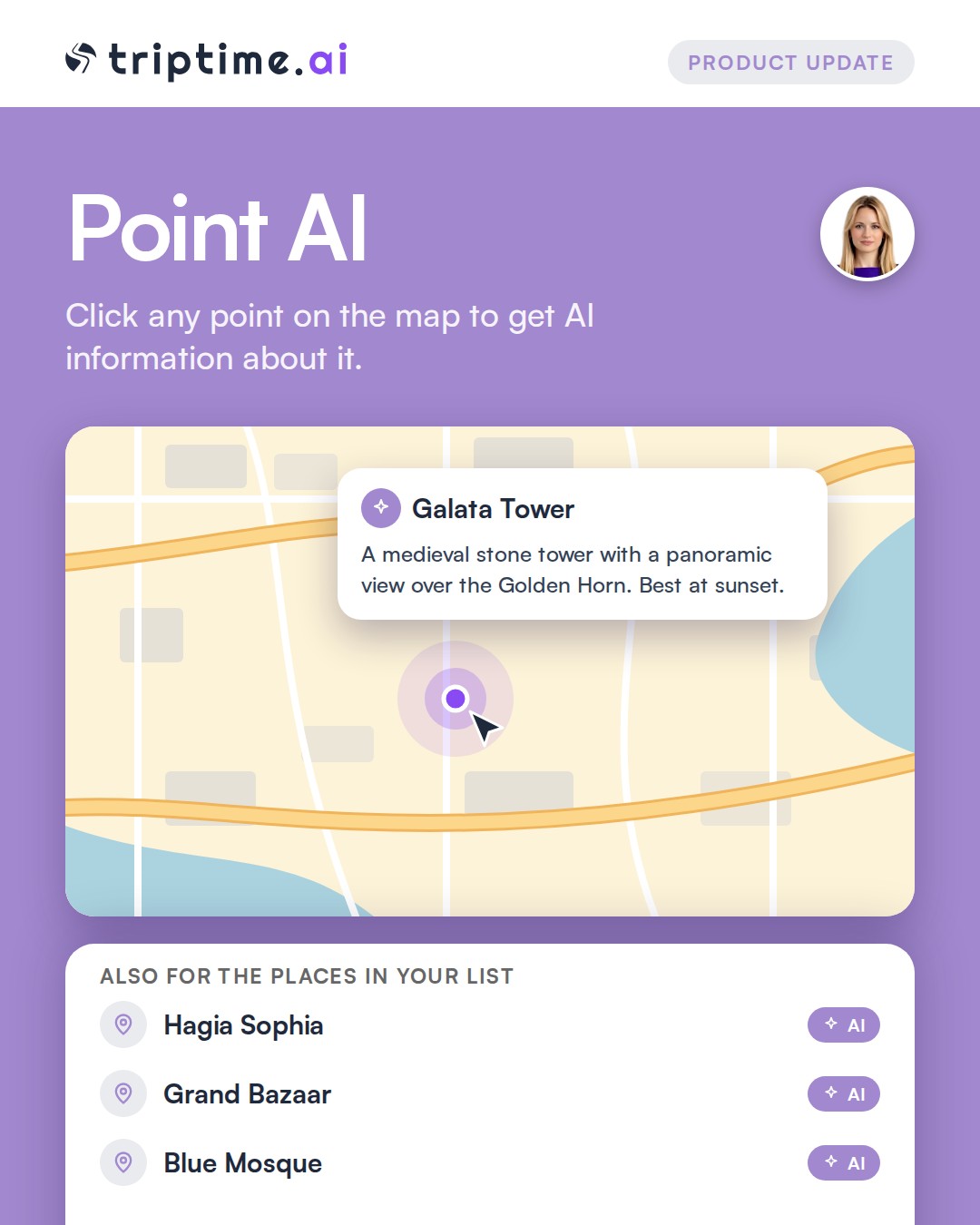
Click a point on the map to get AI information about it. AI information is also available for the places in your list.

PDF download

PDF download

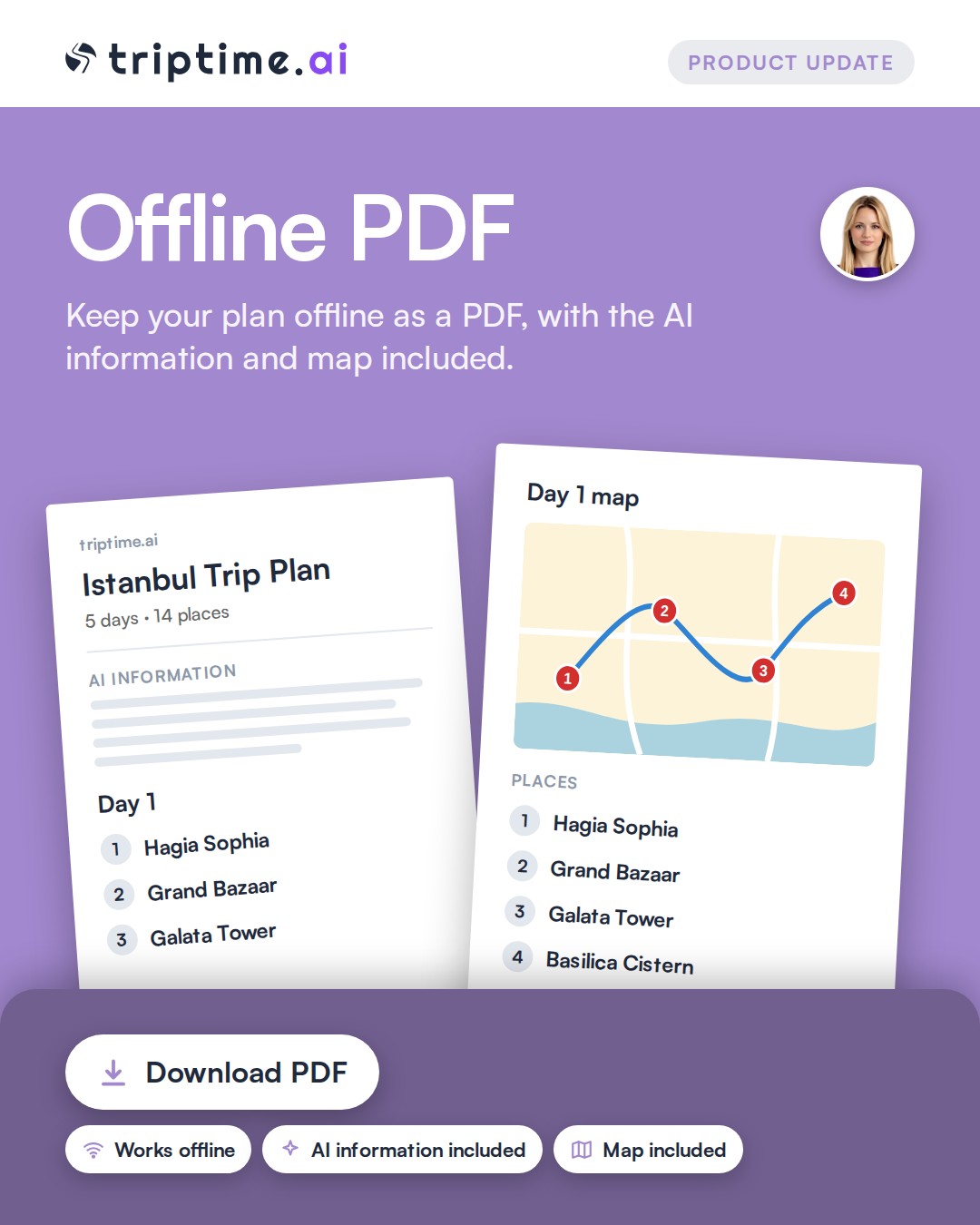
Download your travel plan as a PDF to keep it offline, so it is with you even without internet. The AI information and map are included.

Share via WhatsApp

Share via WhatsApp

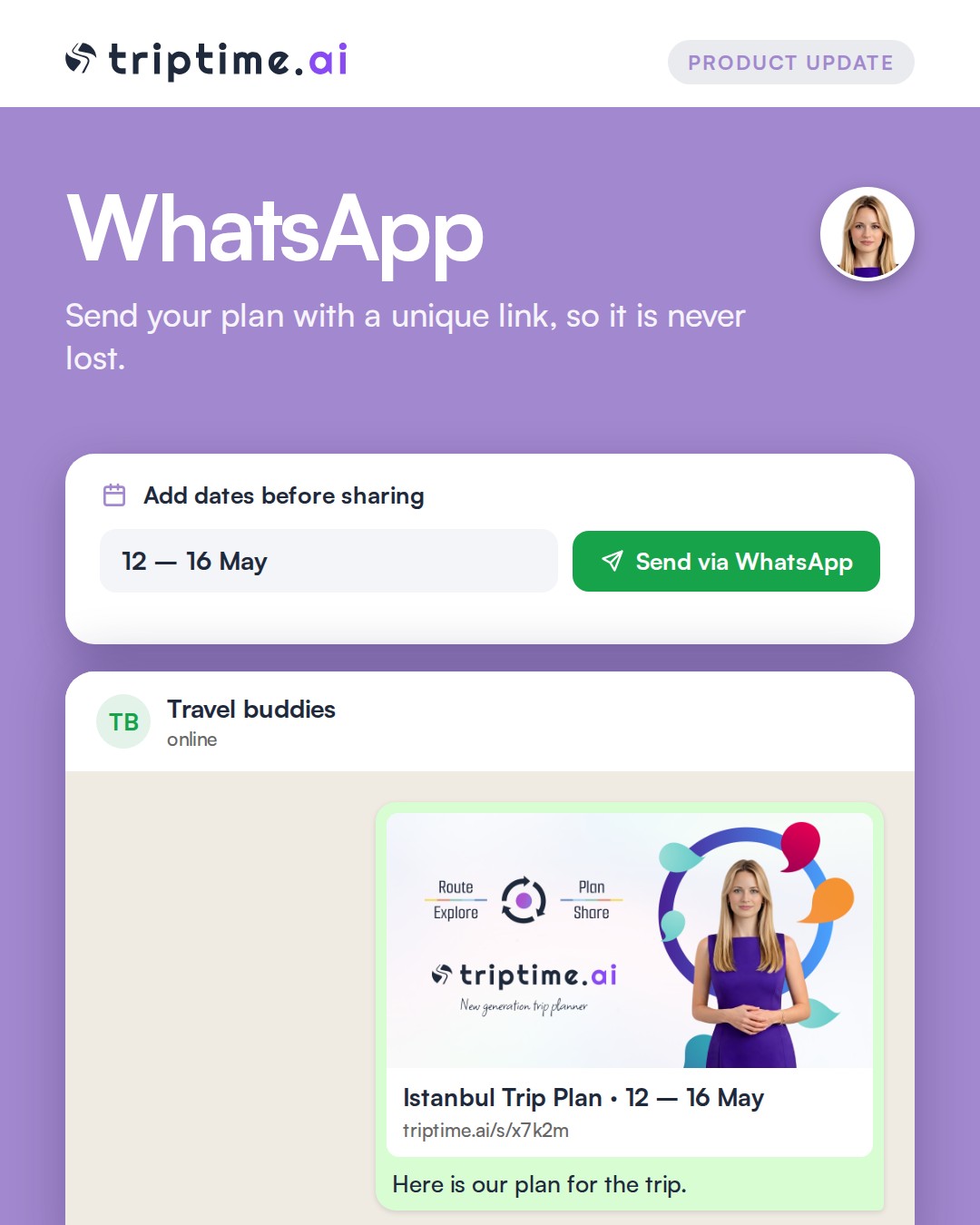
Send your plan via WhatsApp with a unique link, so it is never lost. You can also add dates to the plan before sharing it with friends.

Mira AI chat

Mira AI chat

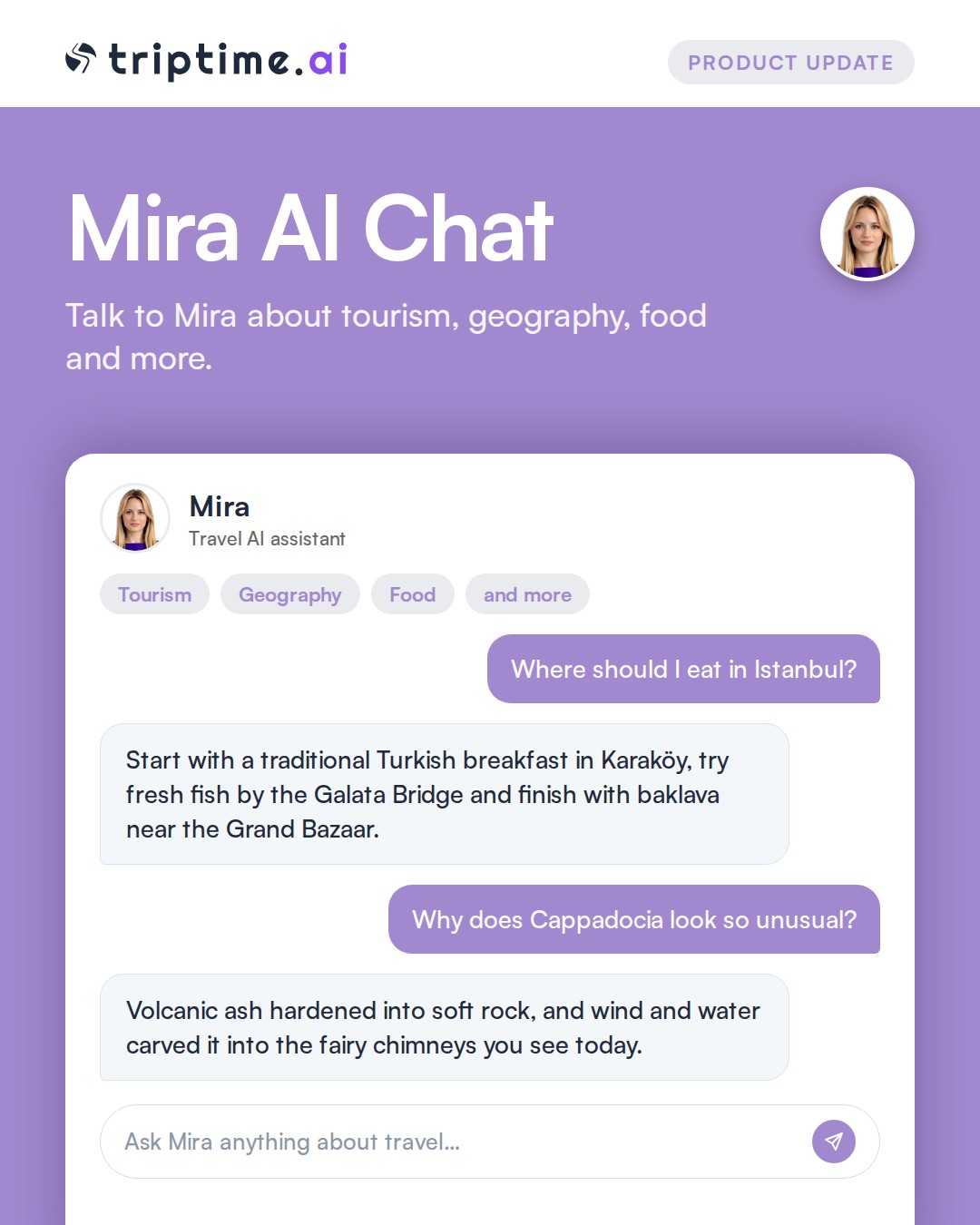
Talk to Mira, a travel AI assistant, about tourism, geography, food and more to help plan your trip.

Have an idea?

Tell us what you would like to see next. Your feedback shapes what we build.